
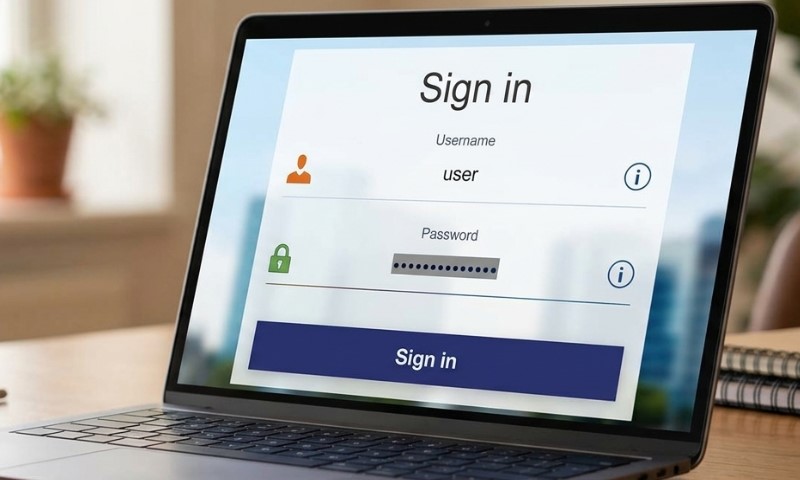
Passwords protect email, banking, shopping, social media, work accounts, and many other online services.
Poor password habits can put those accounts at risk, especially when people reuse passwords or store them carelessly.
Nearly half of cyberattacks, 49%, involve stolen credentials. That number shows why safer password habits matter.
Better password storage can help prevent account takeovers, identity theft, fraud, and unauthorized access to personal information.
Best Way to Store Passwords
A dedicated password manager is the safest long-term option for most people because it keeps logins in one protected place instead of scattering them across apps, papers, and devices.
Passwords are commonly kept in three main places:
- Notes apps
- Browsers
- Dedicated password managers
Notes apps and handwritten lists are simple, but anyone with access to the device or paper list may be able to see the passwords.
A phone note, computer document, or paper list may feel private, but it can become risky if a device is shared, stolen, infected, or left unlocked.
Browser password saving is convenient because it can remember logins and fill them in quickly.
Even so, saved logins may be tied to one browser or one device ecosystem, which can make access harder when switching phones, computers, or browsers.
Browser tools can help with basic login storage, but they may not give enough warning about serious password problems, including:
- Weak passwords
- Reused passwords
- Outdated passwords
- Breached passwords
A password manager is usually a better option because it is built mainly for password storage and account protection.
It can store passwords securely using strong encryption, create strong passwords, autofill logins across devices, and help identify weak, reused, outdated, or breached passwords.
One strong master password should protect the password manager. A master password should be long, memorable, and not used on any other account.
Since that one password protects all saved logins, it should be treated as one of the most important passwords a person has.
Common Password Mistakes
Many people reuse one password across several accounts because it feels easier to remember.
Reuse creates a serious risk because one exposed password can unlock many accounts.
When it comes to what not to share online, personal details can create password risks.
Simple passwords based on names, birthdays, pets, addresses, phone numbers, or anniversaries are also risky.
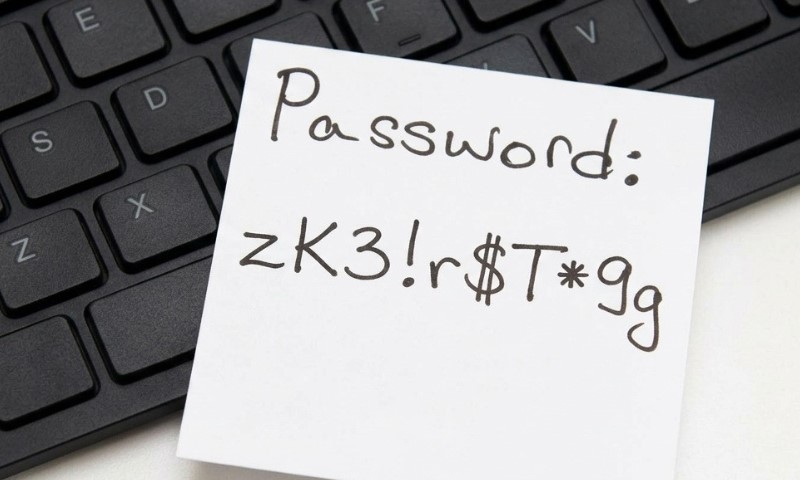
Careless physical storage can make passwords easy for another person to find. Risky places include:
- Under a keyboard
- Taped to a monitor
- Inside a desk drawer
- On sticky notes near a computer
Simple passwords based on names, birthdays, pets, addresses, phone numbers, or anniversaries are also risky. Attackers may guess personal details by looking at social media, public records, or past data leaks.
Predictable substitutions, such as “P@ssw0rd,” are not strong enough because attackers often test patterns like that.
Replacing letters with symbols does not make a password safe if the word itself is common.
Saving passwords in unsecured notes or documents can expose accounts if a device is lost, shared, or infected with malware.
Browser password saving is convenient, but browsers are not built mainly for full password security.
What Makes a Strong Password
View this post on Instagram
Strong passwords should be long, hard to guess, and different for every account. Aim for 12 to 16 characters or more whenever possible.
Each important account should have its own password, especially banking, email, payment apps, retail accounts, and subscriptions. One exposed login should not give access to several accounts.
Personal information should be avoided because names, birthdays, pets, addresses, and anniversaries may be easy to find online.
Strong passwords should use several character types:
- Uppercase letters
- Lowercase letters
- Numbers
- Symbols
Passphrases made with several unrelated words can be easier to remember and harder to crack. A longer passphrase can be safer than a short, complicated password because length makes guessing much harder.
Predictable patterns should be avoided, such as always capitalizing the first letter or adding an exclamation point at the end.
Attackers often test common habits, so repeated password patterns can weaken account protection.
Password managers can create random passwords that are much stronger than most people would make on their own.
Random passwords also reduce the temptation to reuse old logins or slightly change one password for multiple accounts.
Add Extra Protection
Multi-factor authentication should be turned on for important accounts. MFA adds another layer of protection after the password.
Common MFA options include:
- One-time codes
- Fingerprint or face ID
- Authenticator apps
- Passkeys
- Device PINs
MFA helps protect an account even if a password is compromised. It is especially important for email, banking, social media, work accounts, and password managers.
Email deserves extra protection because it is often used to reset passwords for other accounts.
If someone gets into an email account, they may be able to take over shopping, banking, subscription, or social media accounts.
Recovery codes should be kept in a safe offline place. A physical backup can help if a computer crashes, gets compromised, or gets locked by malware. That backup should be stored securely and should not include obvious full login details.
Better Everyday Habits
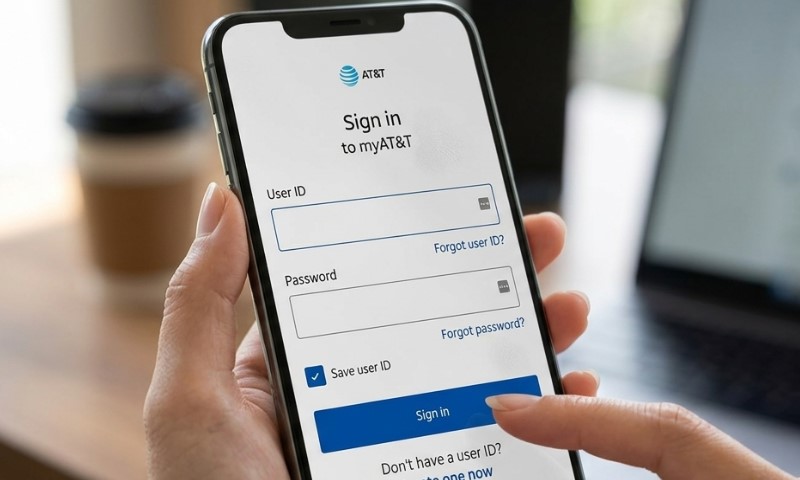
Password reuse should be avoided. Every important account should have a different password.
Passwords should be updated after a data breach, exposed-credential alert, or suspicious account activity.
Saved passwords should also be reviewed regularly so weak or repeated passwords can be replaced.
Phishing emails and fake login pages should be handled carefully. Attackers often try to trick people into typing passwords into fake websites.
Checking the site address before signing in can help prevent stolen credentials.
Old accounts that are no longer used should be deleted when possible. Unused accounts can still create risk if they hold personal data or saved payment details.
A password manager should be used on both a computer and a phone. Easy access on every device helps prevent unsafe shortcuts, such as:
- Sticky notes
- Repeated passwords
- Unsecured notes
- Guessing old passwords after failed logins
No storage method is perfect. Safest results come through secure storage, strong passwords, MFA, and careful everyday habits.
Summary
Safe password storage depends on better tools and better habits.
A strong approach uses a password manager, different passwords for every account, MFA, and safer storage practices.
Strong passwords do not need to be perfect. They need to be long, hard to guess, protected, and managed consistently.

My name is Darinka Aleksic. I am employed at Shantel.co as a Corporate Planning Manager. Although this job requires a lot of time and effort, I manage to do other things as well. For many years now, I have been successfully working as a tennis coach, where working with children makes me feel young again. Besides all this, I love cooking and look forward to the opportunity to host my friends and prepare something nice for them.